Desert daydream

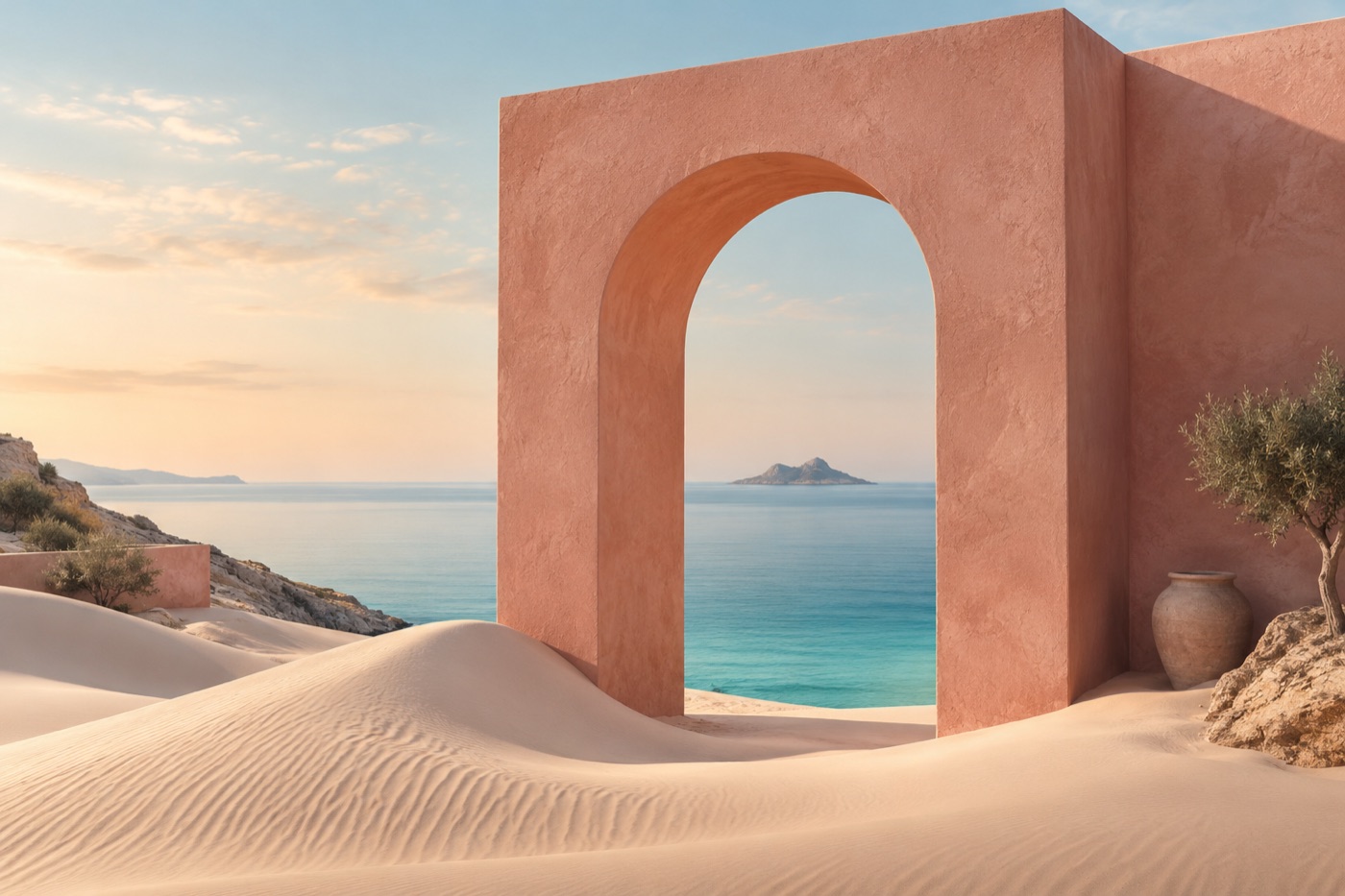
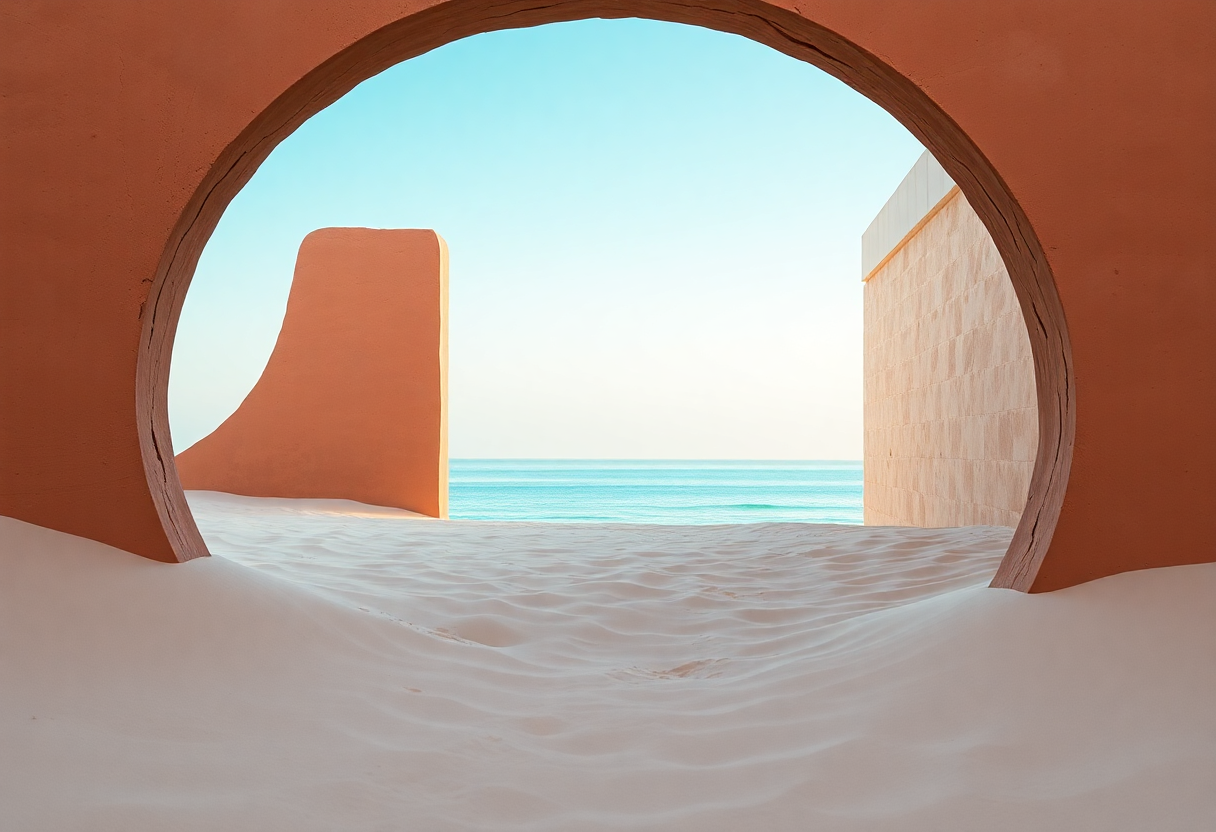
A sculptural terracotta arch on pale sand dunes, a calm turquoise sea visible through the opening, soft morning light, editorial architectural photography, tactile plaster, no text.
What this file actually shows →A little imagination. A whole new world.
Generate an image, inspect the result, then crop and export it locally. Start with our worked example.
AI-generated inspirationA practical path for blog authors and small website owners. Work with the saved sample, inspect the evidence, then apply the method to your own article.
Try this workflow
Inspect a real saved FLUX result, choose a crop and prepare the file locally.
Explore the worked example →
THE IDEA SHELF
Useful prompts, with room to make them your own.

A sculptural terracotta arch on pale sand dunes, a calm turquoise sea visible through the opening, soft morning light, editorial architectural photography, tactile plaster, no text.
What this file actually shows →
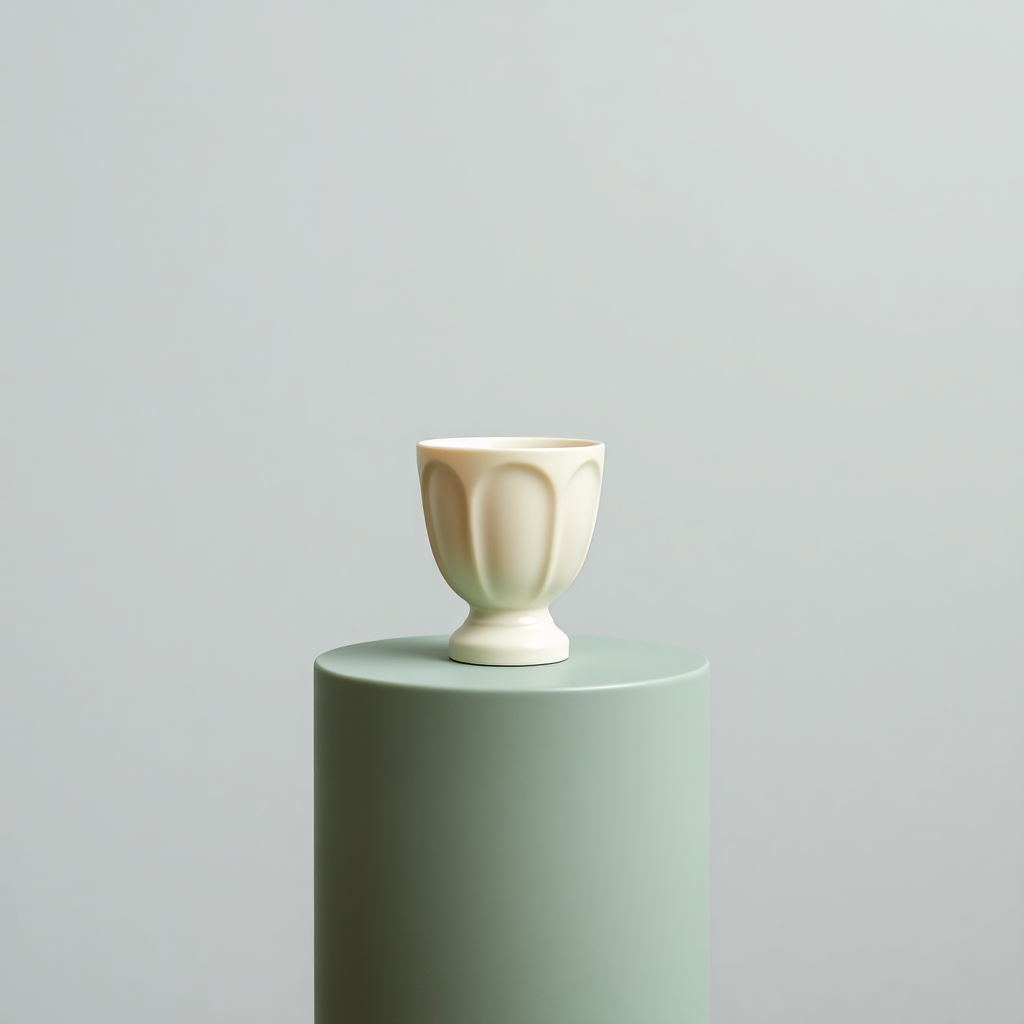
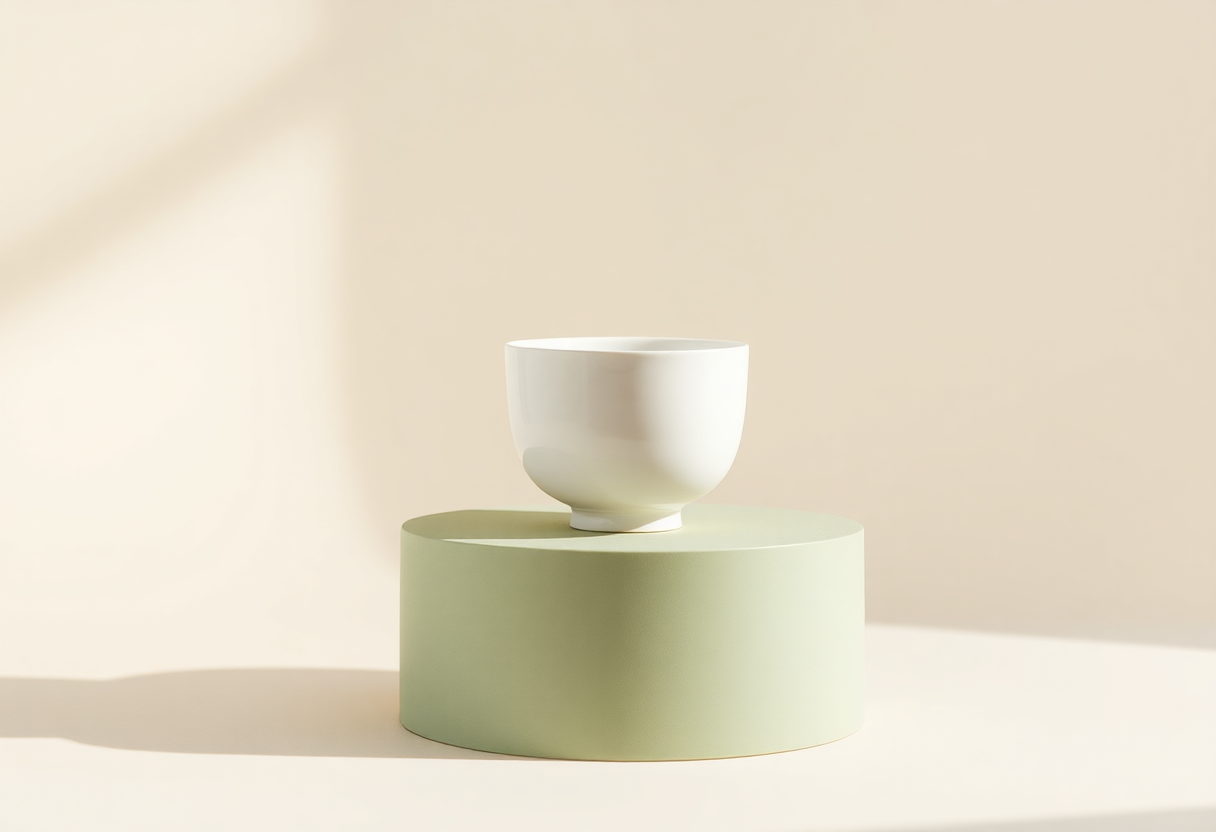
A single handmade ivory ceramic cup on a sage green plinth, warm off-white studio background, soft side lighting, subtle contact shadow, product photography, generous negative space, no logo.
What this file actually shows →
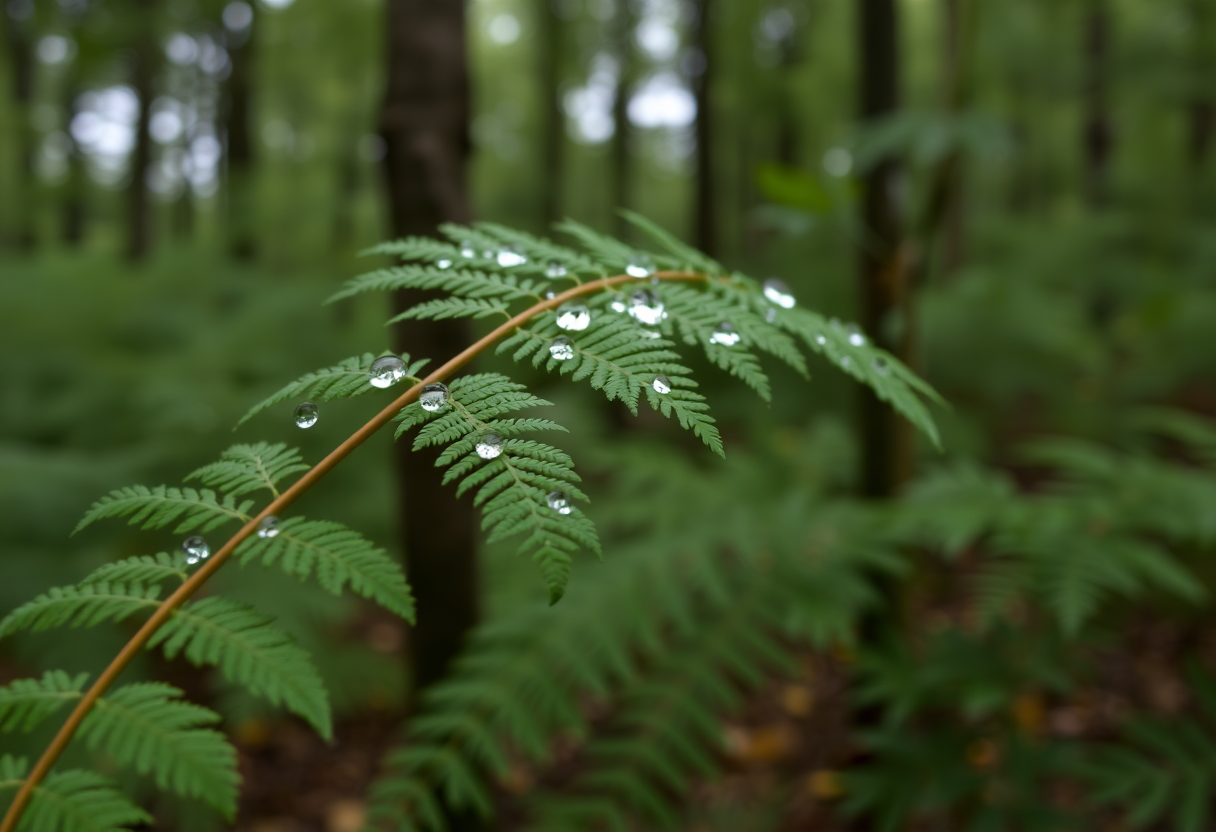
A close-up of a fern leaf with rain droplets in a quiet woodland, diffused overcast daylight, shallow depth of field, natural green colors, botanical photography, no text.
What this file actually shows →FROM THE FIELD NOTES
Practical notes on composition, prompts, and preparing your images for the web.
Turn a loose idea into a repeatable creative brief.
Read the guide →02 ↗Composition starts with where your image will live.
Read the guide →03 ↗A practical workflow for format, size and compression.
Read the guide →04 ↗How to compare Firefly, Canva and Ideogram for your task.
Read the guide →05 ↗A saved FLUX Schnell result, an honest visual review and a local export exercise you can repeat.
Read the guide →06 ↗Three downloadable exports show what a centered crop removes and what margins preserve.
Read the guide →07 ↗The same 600 × 600 source frame, three real files, exact bytes and an explicit testing boundary.
Read the guide →08 ↗Use the saved cup to distinguish a framing problem from a missing subject detail.
Read the guide →09 ↗A practical handoff: filenames, captions, alt text, responsive layout and a downloadable review sheet.
Read the guide →10 ↗See the original files, exact prompts and mismatches, including incorrect counts and unwanted lettering.
Read the guide →11 ↗A real before-and-after attempt with a partial improvement and an unresolved failure.
Read the guide →The featured artwork is a labeled example. Only the Generate image action creates a new result when the service is available.
Check the image provider’s current terms and any rights in brands, people, or reference material. AI generation does not guarantee clearance.
The local image tools do not upload files. Generated results stay in the current browser session; the provider processes generation requests under its own policy.